

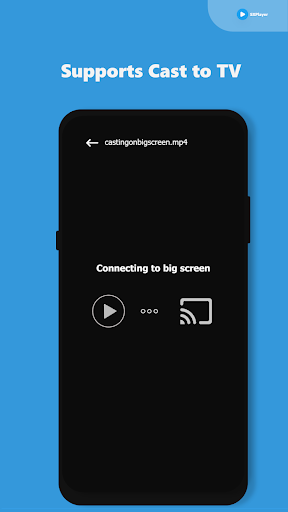
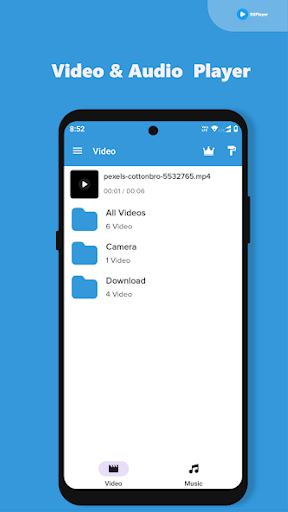
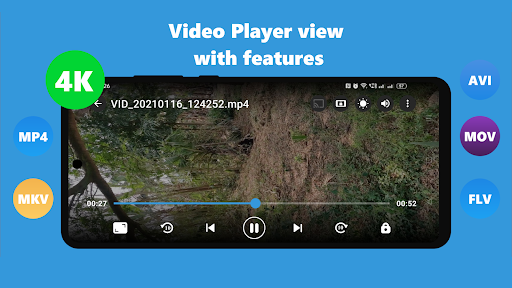
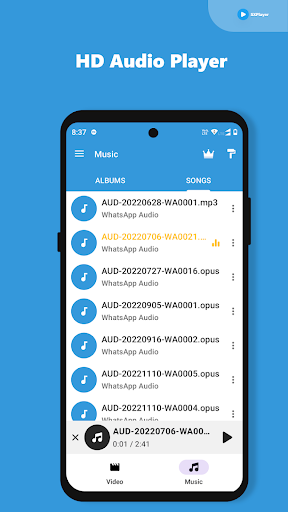
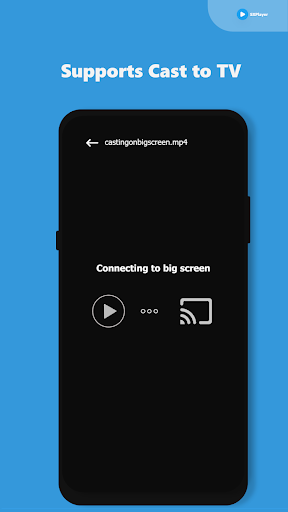
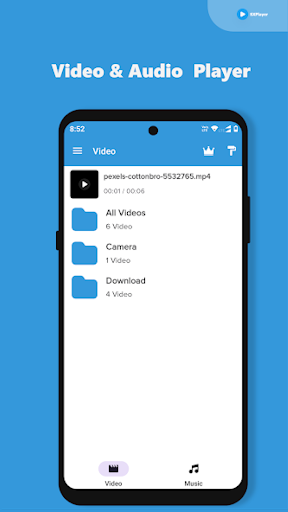
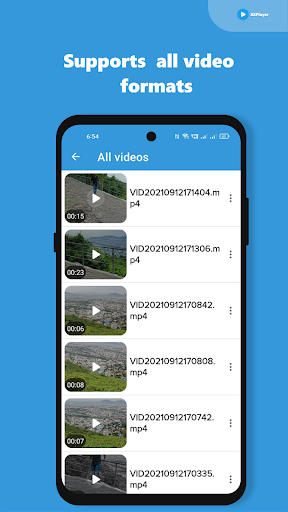
Video Player All Format HD is an app designed for playing a wide range of video files, including 4K and 1080p content. It allows users to manage and play various video formats directly from their phone or SD card, offering features like adjustable playback speed and the ability to watch videos in a floating window. The app aims to provide a comprehensive viewing experience for different media types.
Comprehensive Video Format Support
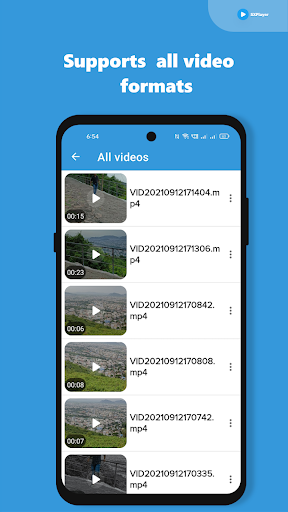
This app supports a broad array of video formats, including MKV, MP4, M4V, AVI, MOV, 3GP, FLV, WMV, RMVB, and TS. It automatically detects video files and folders stored on your device and any inserted SD card, making it straightforward to locate and play your media. Users can also perform basic video management tasks such as deleting and renaming files directly within the app.
Flexible Playback Options
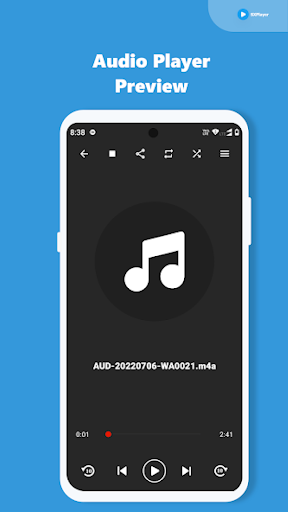
For multitasking, the app includes Popup Play, which displays your video in a small floating window in the corner of the screen, allowing you to continue watching while using other apps or chatting. Background Play enables audio playback of videos even when the screen is off, functioning similarly to an audiobook for video content. Additionally, the app features a Sleep Timer for automatically stopping playback.
Adjustable Playback Speed and Controls
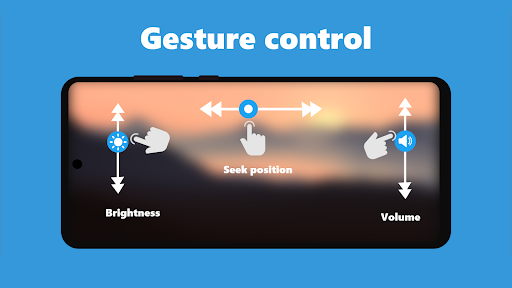
Users can adjust video playback speed from 0.25x to 8.0x, which is useful for detailed study of educational content or for quickly reviewing long videos. Gesture controls are available for actions like 10-second fast forward or rewind, offering quick navigation. The app also provides Night Mode to reduce screen brightness for comfortable viewing in low-light conditions and a Quick Mute option.
Audio Customization and Subtitle Support
The app incorporates a 10-band equalizer with bass boost, allowing for precise audio adjustments to enhance the listening experience. Users can easily switch between available audio tracks for a video. For content with subtitles, the app supports downloading and adding subtitle files.
Enhanced Performance and Search
Recent updates to the app have focused on refining the user experience. Version 3.1.1 introduced a 10-band equalizer for more precise audio control, addressed video stuttering and visual glitches that could occur after seeking, and generally improved overall performance. A Quick Search feature is available to instantly find specific videos within your collection.







Write a review